

Traefik
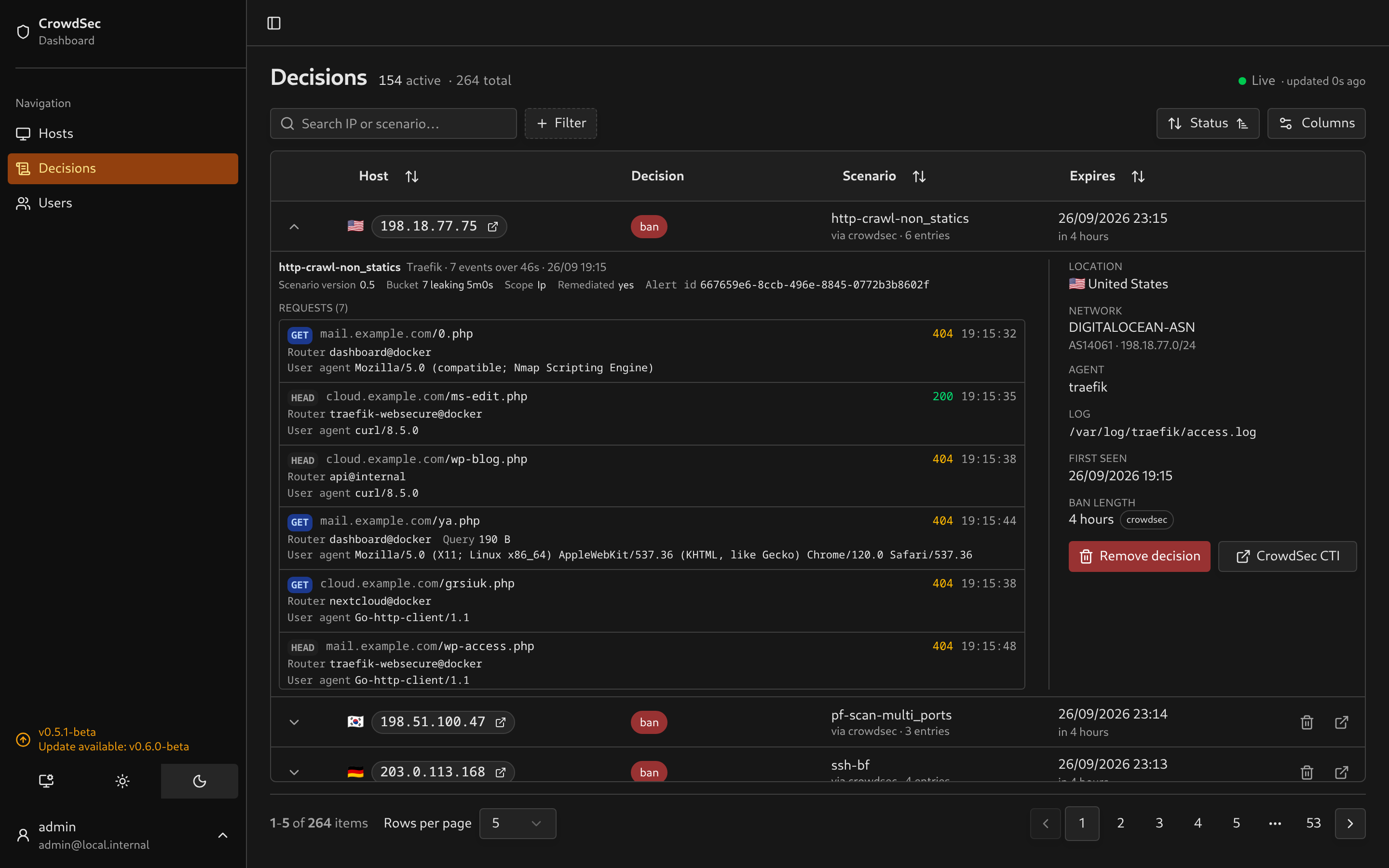
Reads http_access-log events, including those produced by crowdsecurity/traefik-logs. Scenarios using that metadata share the same display. Other web servers can emit the same HTTP fields; the dashboard currently labels this integration Traefik.
Evidence
Section titled “Evidence”Each request shows its method, host, path, status and time. Available router, authenticated user, query length and user-agent values appear below it. On mobile, the user agent has the full row width, with the timestamp beside its label.
 |
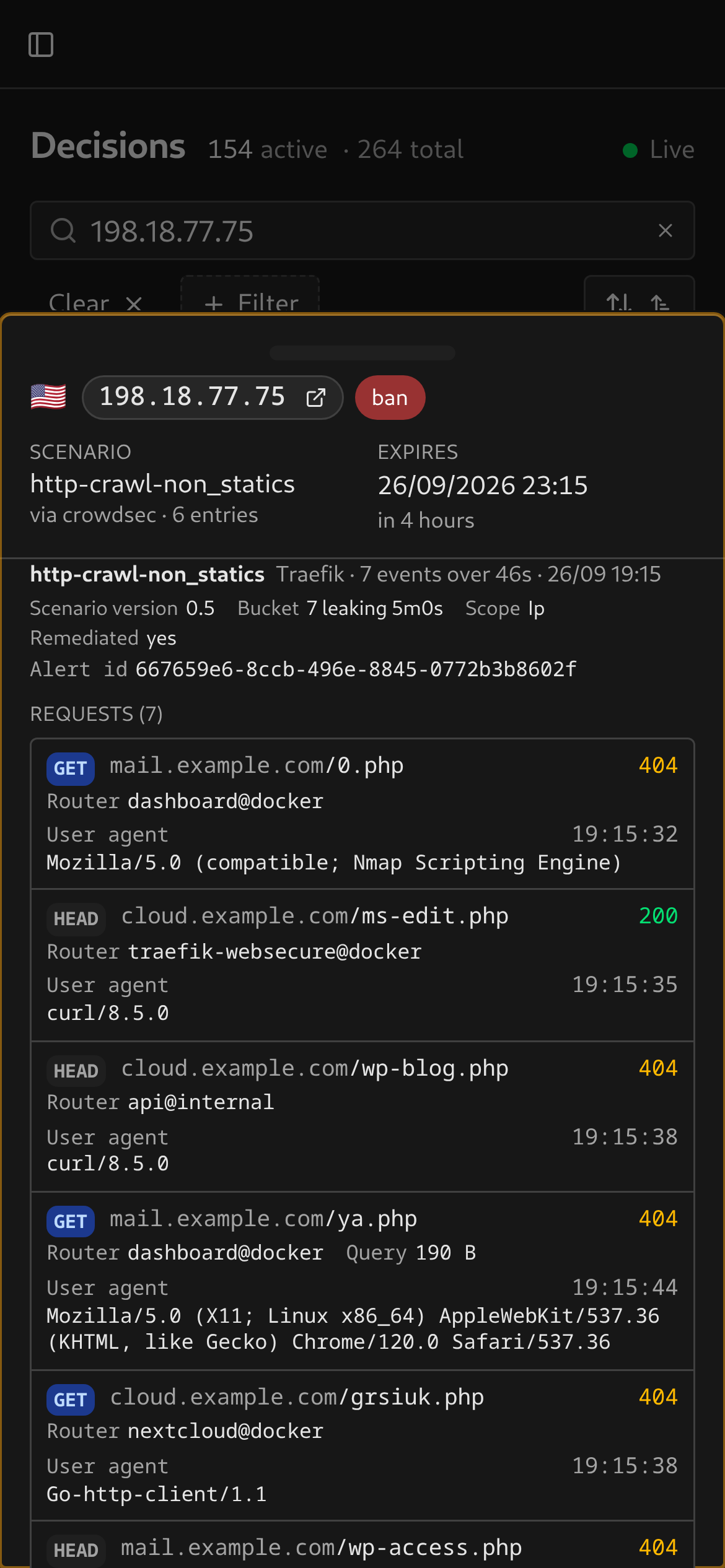 |
The requested hostname and matching router are separate fields. If you configured a catch-all or error-page router, its name helps explain how an unmatched hostname was handled.
Access-log configuration
Section titled “Access-log configuration”Enable access logging and configure CrowdSec to read the file. For example:
accessLog: filePath: "/var/log/traefik/access.log" bufferingSize: 50The CrowdSec parser reads both JSON and CLF. Fields shown by the dashboard depend on what the access log records and CrowdSec includes in the alert.
To get the user agent as well, add a fields.headers block that keeps that one header and drops the rest:
accessLog: filePath: "/var/log/traefik/access.log" bufferingSize: 50 format: json fields: headers: defaultMode: drop names: User-Agent: keep # needed by CrowdSec UA scenarios and the dashboardThis keeps User-Agent and drops other request headers. See Traefik’s access-log settings for field configuration.