

Getting started
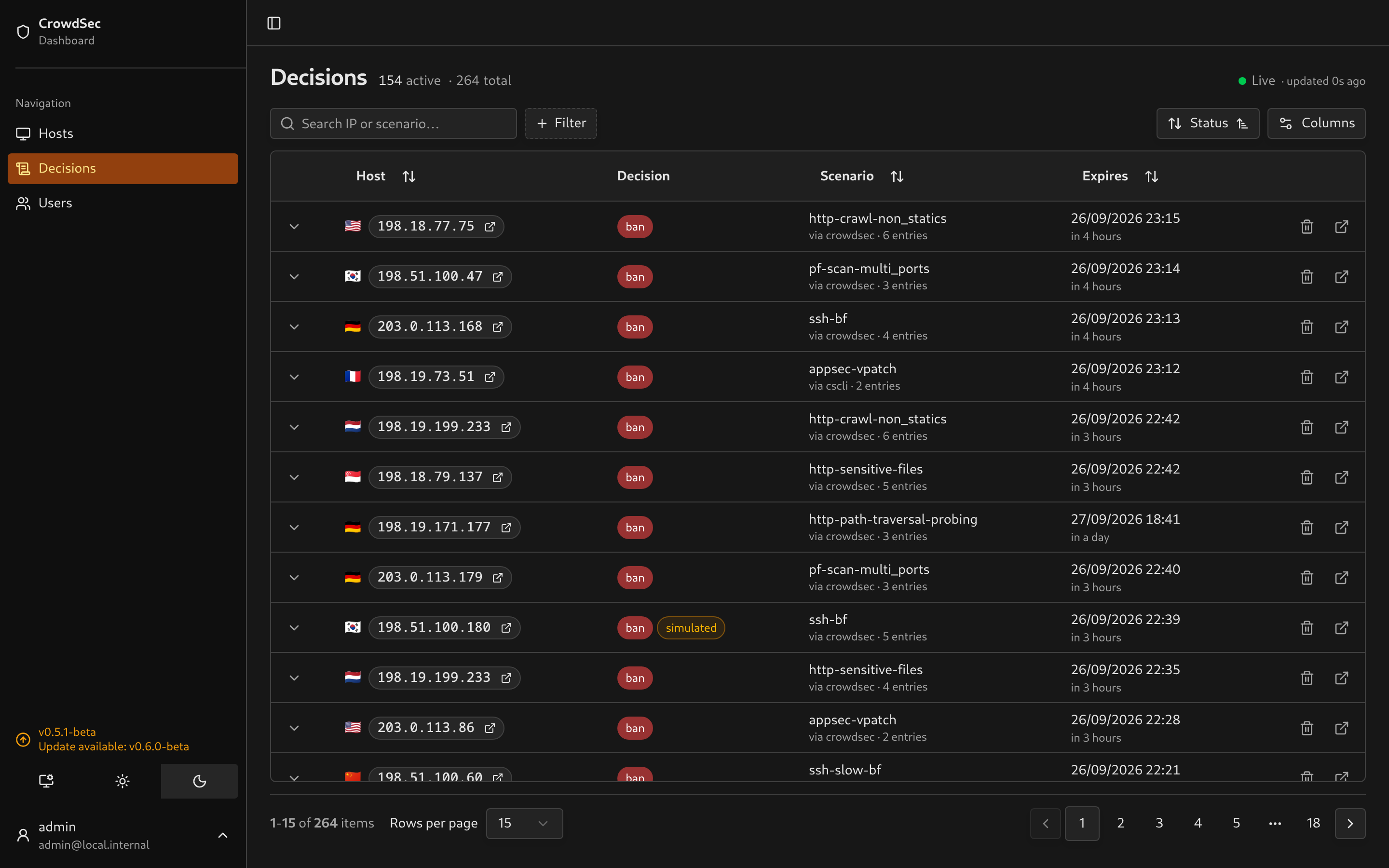
CrowdSec Local Dashboard displays decisions from your CrowdSec Local API (LAPI), keeps a local history in SQLite and lets you remove decisions from the browser.
1. Download the Compose files
Section titled “1. Download the Compose files”You need Docker with the Compose plugin and a running CrowdSec instance. On the host where you want to run the dashboard:
mkdir crowdsec-local-dashboardcd crowdsec-local-dashboardcurl -fLO https://raw.githubusercontent.com/ollioddi/crowdsec-local-dashboard/main/docker-compose.ymlcurl -fL -o .env https://raw.githubusercontent.com/ollioddi/crowdsec-local-dashboard/main/.env.exampleKeep docker-compose.yml and .env in this directory. The Compose file selects a tagged dashboard image; you do not need to clone or build the repository.
2. Connect to CrowdSec
Section titled “2. Connect to CrowdSec”Edit these four values in .env:
LAPI_URL=http://192.168.1.100:8080LAPI_MACHINE_ID=your-machine-loginLAPI_MACHINE_PASSWORD=your-machine-passwordLAPI_BOUNCER_API_TOKEN=your-bouncer-tokenUse your actual LAPI address and credentials:
- LAPI URL: an address reachable from the dashboard container, including the port.
localhostinside the container refers to that container, not your CrowdSec host. - Machine ID and password: copy
loginandpasswordfrom/etc/crowdsec/local_api_credentials.yamlon your CrowdSec host. These let the dashboard fetch alert evidence. - Bouncer token: run
cscli bouncers add crowdsec-local-dashboardon the CrowdSec host and copy the token it prints. This lets the dashboard read decisions.
LAPI setup explains the credentials and network requirements. Leave BETTER_AUTH_SECRET empty for Docker: the container generates and stores one in its data volume. If you will serve the dashboard over HTTPS, also set BETTER_AUTH_URL to its public URL.
The remaining settings can stay at their defaults. See Configuration for the full reference.
3. Start the dashboard
Section titled “3. Start the dashboard”docker compose up -dOpen http://<dashboard-host>:3000, or http://localhost:3000 if it is running on your computer. Create the first account when prompted. The form asks for a one-time setup code, so nobody else who finds a fresh instance can claim it. The dashboard prints the code to its log on every start until the first account exists: docker compose logs dashboard | grep "setup code". With pnpm dev it appears in the terminal.
The first sync starts automatically. If it fails, check the sync banner and the container logs:
docker compose logs --tail=100 dashboardThe dashboard can start without CrowdSec credentials, but decisions will not appear until the LAPI settings are filled in. After changing .env, run docker compose up -d again.
Next steps
Section titled “Next steps”- Using the dashboard: filters, alert evidence, connection status and decision removal.
- Integrations: the evidence available for Traefik, AppSec, OPNsense, SSH and mailcow.
- Deployment: updates, persistent storage and reverse proxies.
- SSO / OIDC: optional single sign-on.
- Troubleshooting: login problems, missing evidence and sync failures.
Contributing
Section titled “Contributing”- Development setup: running the app, docs and screenshot tooling locally.
- Contributing a parser: adding fields or supporting another log source.
- Releasing: commit conventions and release workflows.